Publisher Thumbnail
A thumbnail is a preview image that appears in the player before a viewer initiates media playback. These previews can significantly increase viewer engagement with your media.
During live broadcasts, the platform automatically generates a new thumbnail every 10 seconds, ensuring that the preview image accurately reflects the current broadcast content.
However, depending on the nature of your live broadcast, you may prefer to use a custom thumbnail. You can set your own thumbnail either before the broadcast begins or during the live broadcast.
The publisher thumbnail is used for the publisher's live stream, so the thumbnail options are available only when Live Stream Transmission is active for the publisher. Otherwise, the Thumbnail tab shows the message "Live stream (transmission) is not active". To change the thumbnail of a single video, open the video in the Media Library and use its Thumbnail tab.
Upload a custom static thumbnail
The static image you upload will serve as the thumbnail for your live broadcast. To ensure optimal quality and compatibility, please make sure your image meets the following standards:
| Standard | Information |
|---|---|
| Accepted file formats | .jpg .jpeg .png |
| Image dimensions | 1920 x 1080 |
Follow these steps to upload your own thumbnail for a live broadcast:
-
Go to Publishers → All Publishers.
-
Click the publisher for which you want to upload a thumbnail.
-
Open the Thumbnail tab.
-
The Current thumbnail label shows whether the publisher uses the Auto (generated from the live stream) or a Custom thumbnail.
-
Under Upload new thumbnail, select your image and click Upload.
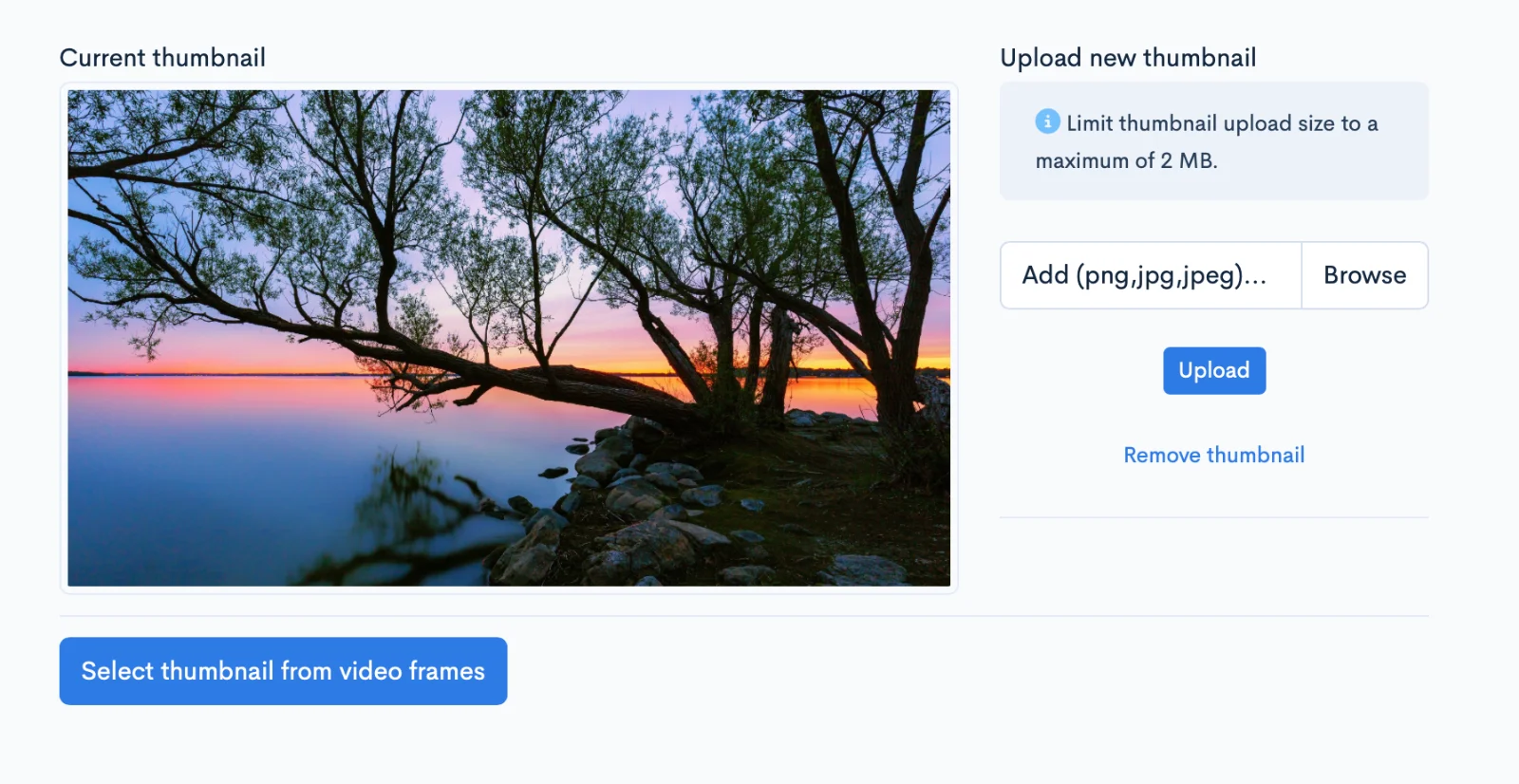
The new thumbnail is processed in the background and appears in the player shortly after.
Revert to auto-generated thumbnails
To go back to thumbnails generated automatically from the live broadcast, click Remove thumbnail. If there is an ongoing live broadcast, a new thumbnail is generated within a few seconds.